


How to Recover Deleted Files on Mac (OS X & macOS)
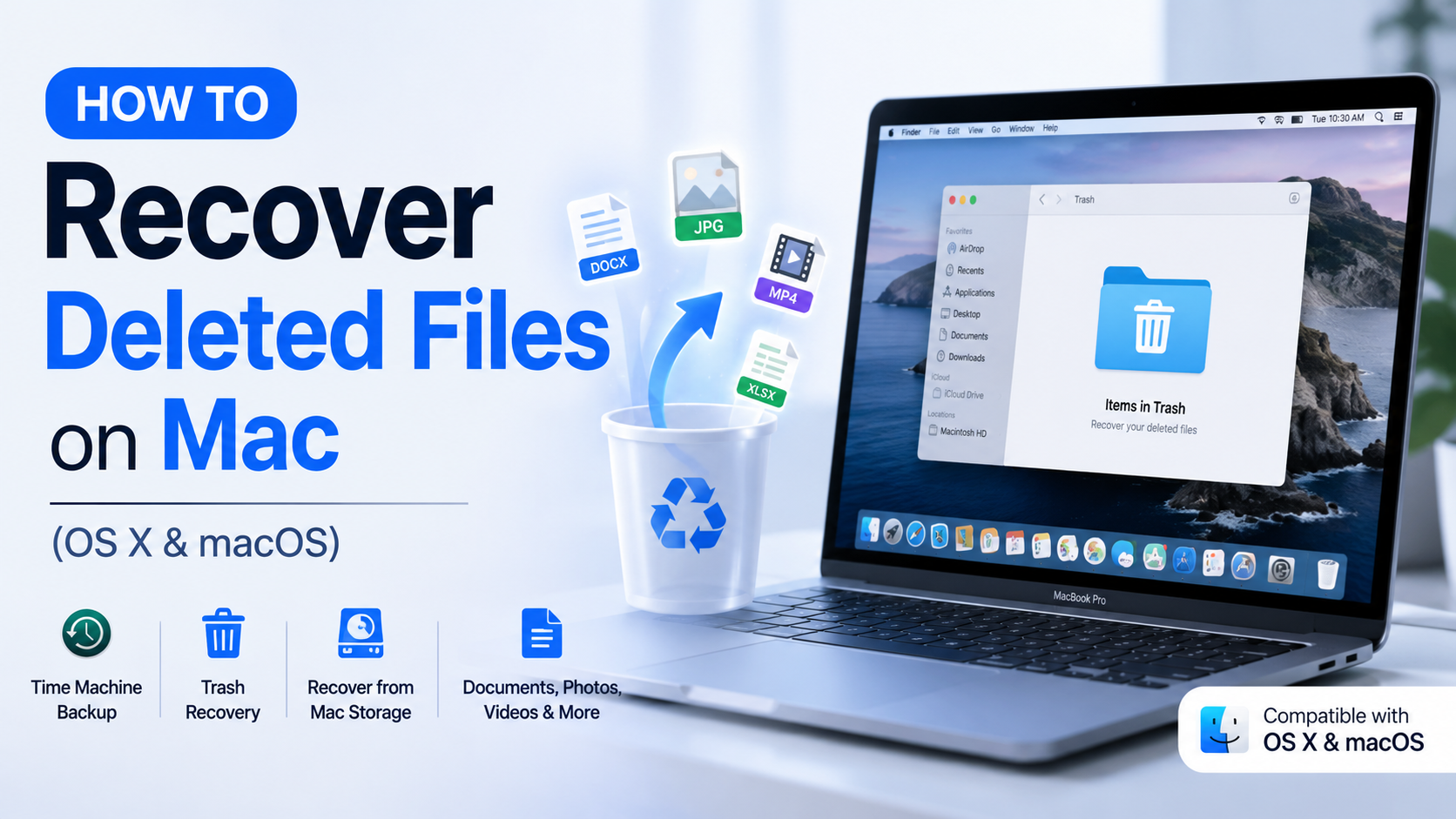
It is very common for people to accidentally delete essential files on their Mac. Whether you have lost a word-related document, a treasured picture, or even a very important project, there are different ways through which you can recover a file on your Mac.
If you want to know how can I recover deleted files on Mac, then you need to know that file recovery depends entirely on how quickly you act. This guide will explore the different methods through which you can recover deleted files on modern macOS systems, as well as OS X. So, get ready to learn how you can recover everything.
Method 1: Check the Trash Folder First
The Trash folder is usually the first spot to check when a file goes missing. Unless the Trash has been emptied already, deleted files basically stay there and can often be restored within seconds. Open the Trash from the Dock, then just browse through what’s inside.
If you see the missing file, right- click it and pick Put Back. The file will go back to its original spot automatically, so yeah, it’s the fastest and most straightforward way to get it back.
Method 2: Restore Files Using Time Machine
Mac has an inbuilt application known as Time Machine, which allows people to recover files with ease if the backup is enabled. Time Machine keeps snapshots of your files at different moments, which means you can restore older versions or retrieve something that’s been deleted.
You need to start the process by accessing the folder where the missing file was located, and after this, use Time Machine to look through all the earlier backups until you see the file. When you finally spot it, restoring it puts the file back in its original directory, and it shouldn’t mess with newer files either.
Method 3: Recover Deleted Files from iCloud Drive
If your files were in iCloud Drive, you might still be able to recover things even after they vanish from the Mac. Apple holds deleted iCloud files for a while, and you can use iCloud recovery options to bring them back.
This is extra helpful for documents that were synchronized across multiple Apple devices. If the recovery window has not passed, then you can easily restore the file without any issues, with minimal effort.
Method 4: Use a Data Recovery Software
If the Trash has been emptied and you do not have a backup available, specialized data recovery software can sometimes help recover deleted files. All these recovery tools scan your Mac and its storage devices to look for data that can still be recovered.
There are numerous reliable recovery tools that can be used by people to recover photos, videos, and all other types of files. One of the most sought-after tools that you can use is Disk Drill.
If these methods do not work for you, consider using an external backup or cloud storage that you may have. You can also look up more information on the Notchox website and try their data recovery software to restore files without issues on any Mac device.

 Arabic
 French
 Spanish
 Portuguese
 Deutsch
 Turkish
 Dutch
Dutch
 Italiano
 Russian
 Romaian
 Portuguese (Brazil)
 Greek
Greek