


How to Keep Your MacBook Battery Healthy While Working Every Day
Introduction
"My MacBook used to last me all day — now I'm charging it by lunchtime." We hear some version of that sentence almost every week at MacBook Repair Dubai. It's rarely one big thing that causes it. More often it's a mix of small habits — leaving it plugged in overnight, working with it on a pillow, never restarting for weeks — that quietly wear the battery down. Fixing it doesn't take technical skill, just a bit of awareness. Here's what's actually worth changing so your MacBook keeps up with a full workday instead of tapping out by noon.
Why MacBook Battery Health Matters for Daily Users
Nobody thinks much about their battery until it starts letting them down mid-meeting. But once capacity drops, macOS quietly throttles performance to protect what's left, so things feel slower even before the percentage looks alarming. Ignore it long enough and you're looking at a full MacBook Battery Replacement Dubai service instead of a few adjusted habits. Catching it early is honestly the easier, cheaper path.
The pattern is usually the same: runtime gets shorter over a few months, apps start lagging, and eventually the MacBook shuts off without warning even though the screen said 20% was left a minute ago. By then, repair is the only real option — better to catch it before that point.
Daily Habits That Actually Help
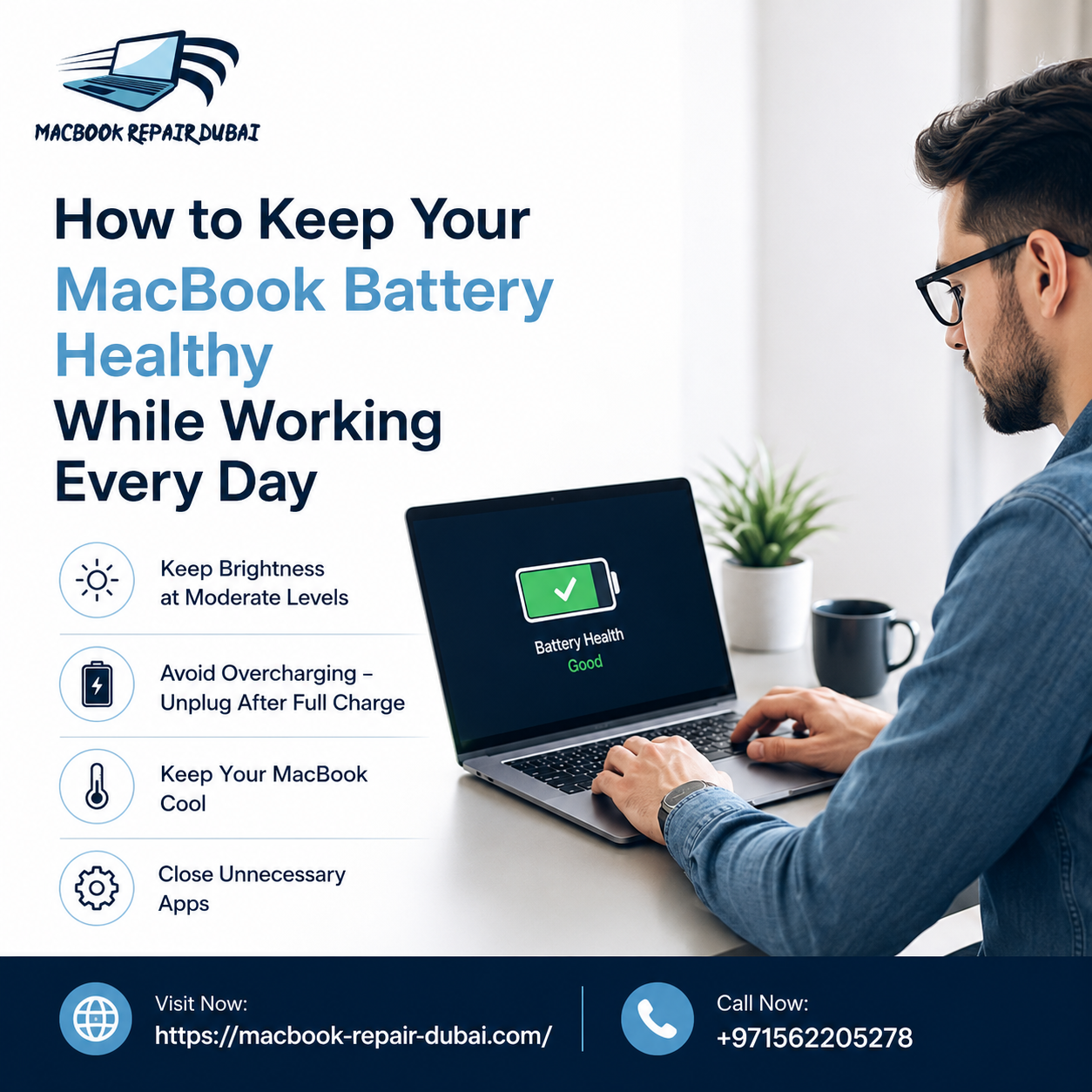
Charging to 100% every time feels like the responsible thing to do, but it's not doing the battery any favors. MacBooks — like most devices with lithium-ion batteries — tend to age better staying somewhere in the middle, roughly 20% to 80%, rather than being run flat or left topped up for hours. It's a small shift in habit: unplug once it's full, and don't panic if it dips into the 30s during the day.
Open tabs matter more than people expect, too. A browser with fifteen tabs open, a couple of them auto-playing video, will chew through the battery noticeably faster than a tidy setup. Same goes for background apps nobody's actively using — quitting them when a task is done, and taking a quick look at Activity Monitor every so often, catches problems before they become habits.
Beyond that, small settings changes add up: dimming the screen during long stretches of work, flipping on Low Power Mode when there's no charger in sight, and switching off keyboard backlighting when the room's already bright enough. None of it feels dramatic on its own, but together it makes a real difference by the end of the week.
Heat Is the Real Enemy
Ask any technician and they'll tell you — heat does more damage to a battery than almost anything else, and Dubai's climate doesn't help. Working with a MacBook on a bed or a couch cushion traps heat underneath it in a way most people never notice. A flat, hard surface, or even a basic stand, lets it breathe properly. Direct sunlight is another one worth watching, especially near a window in the afternoon or left inside a parked car — temperatures inside a car here can climb fast enough to damage a battery within an hour.
Where charging happens counts too. An air-conditioned room beats a balcony or a hot car every time. Charging inside a closed bag or under a blanket is one of those habits that seems harmless but really isn't — there's simply nowhere for the heat to escape.
Software Settings Worth Turning On
macOS actually has a few tools built in for exactly this, though most people never go looking for them. Optimized Battery Charging is one — it learns your daily routine and holds off charging past 80% until it senses you'll actually need the extra power, which takes a lot of strain off the battery over time. Keeping the system updated matters as well, since Apple regularly folds power management fixes into these updates, and skipping them means missing improvements that were already made available.
It's worth checking battery health under System Settings every couple of months, too. It only takes a minute, and it flags early warning signs long before a sudden shutdown does.
When It's Time to Get It Looked At
Every battery wears out eventually — that part's unavoidable. But certain signs mean it's time to stop working around the problem: shutdowns that happen out of nowhere, a trackpad that no longer sits flush, a case that looks slightly puffed near the keyboard, battery health reading below 80%, or the charge dropping fast within minutes of unplugging.
Trying to open the case or swap the battery without the right tools tends to make things worse, not better. At MacBook Repair Dubai, the process starts with proper diagnostics to confirm what's actually going on, followed by a MacBook Battery Replacement Dubai service using parts built to hold up to daily use.
FAQs
1. How often should a MacBook be charged to 100%? Not every day. Keeping it between 20% and 80% most of the time is easier on the battery than charging to full constantly.
2. Does leaving a MacBook plugged in all day cause damage? Not really, as long as Optimized Battery Charging is turned on. It's leaving it plugged in as a permanent routine, with no breaks, that adds up over time.
3. What's considered a healthy battery percentage? Apple treats anything above 80% capacity as normal range. Below that, runtime starts dropping noticeably and it's worth getting checked.
4. When does a MacBook actually need battery replacement in Dubai? Once health drops below 80%, or there are unexpected shutdowns or visible swelling near the trackpad — that's the point to book a service.
5. Does the heat in Dubai actually affect MacBook batteries? It does, more than people expect. High temperatures speed up wear, so keeping the MacBook cool and out of direct sun genuinely extends its life.
Conclusion
None of this requires an overhaul — just a bit more attention to charging habits, keeping the MacBook cool, and using the settings Apple already put there. Small changes, kept up consistently, are what actually protect a battery long-term. And when wear shows up anyway, MacBook Repair Dubai is there for diagnostics and replacement, getting things back to normal without the guesswork. Reach out to MacBook Repair Dubai before a battery problem turns into a bigger one.
 Portuguese (Brazil)
 English
 Arabic
 French
 Spanish
 Portuguese
 Deutsch
 Turkish
 Dutch
Dutch
 Italiano
 Russian
 Romaian
 Greek
Greek