


How to Fix TP Link Deco Keeps Going Offline Issue? A Quick Guide
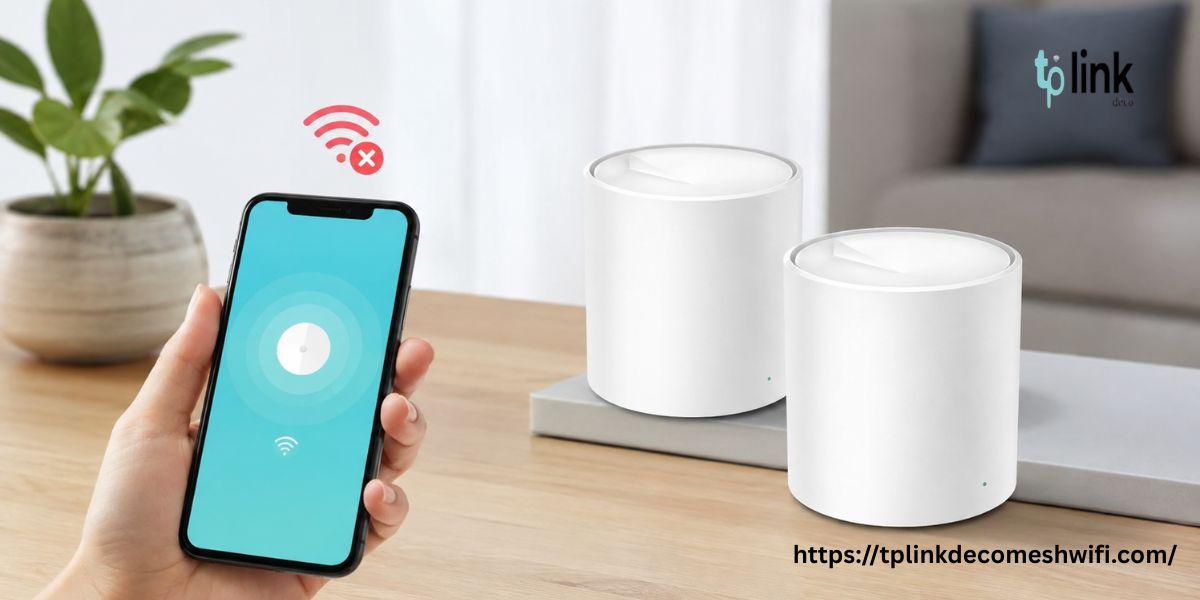
If your TP Link Deco keeps going offline you can fix the issue by restarting your Deco units and checking your internet connection. Update the Deco firmware. Check all cable connections. If the problem continues, then reset Deco. Configure your network again using the TP-Link Deco app.
Why Does TP Link Deco Keep Going Offline?
The TP Link Deco keeps going offline issue can happen for several reasons. Understanding the cause can help you choose the troubleshooting method.
-
Unstable internet connection from your internet service provider
-
Loose Ethernet cables or damaged network cables
-
Outdated Deco firmware
-
Incorrect network settings
-
Power supply problems
-
Poor communication between Deco mesh units
How to Fix TP Link Deco Keeps Going Offline
Follow these steps to troubleshoot your Deco network.
1. Check Your Internet Connection
First, check whether your internet service is working properly. Connect another device to your router. Test the connection. If the internet is not working on any device, then contact your internet service provider.
2. Restart Your Deco Units
Power off your Deco units. Unplug them from the power source. Wait for 30 seconds and plug them back in. Allow a minutes for the devices to restart and reconnect to the network.
3. Check All Cable Connections
Ensure the Ethernet cable between your modem and main Deco is connected securely. Inspect the cables for damage. Replace them if necessary. Also check that every Deco unit has a power supply.
4. Update Deco Firmware
Open the TP-Link Deco app on your smartphone. Navigate to the firmware update section. Check for available updates. Install the compatible firmware to improve stability and fix known issues.
5. Improve the Placement of Deco Units
Place your Deco units in areas away from thick walls and electronic devices that may cause interference. Keep satellite units within a range of the main Deco to maintain a stable mesh connection.
6. Reset Deco to Factory Settings
If the problem continues, you can reset Deco to its factory settings. Hold the reset button on the unit according to your model instructions. Wait for the device to reset and then configure it again using the Deco app.
Important: A factory reset removes your existing configuration. Try restarting and updating your devices before performing this step.
Conclusion
The TP Link Deco keeps going issue can often be resolved by checking the internet connection and restarting the devices. Updating firmware and improving Deco placement can also help. If none of these methods work, then reset Deco and configure your network again.
FAQs
1. Why does my TP-Link Deco keep disconnecting?
This can happen because of an unstable internet connection or outdated firmware or weak communication between mesh units.
2. Will restarting Deco delete my settings?
No. Restarting your Deco normally keeps your existing network settings.
3. How do I reset Deco?
Press and hold the reset button according to your Deco model instructions. After the reset you will need to configure the device again.
4. How can I prevent Deco from going offline?
Keep firmware updated and ensure stable power and internet connections. Place your Deco units in suitable locations for reliable coverage.
 Dutch
Dutch
 English
 Arabic
 French
 Spanish
 Portuguese
 Deutsch
 Turkish
 Italiano
 Russian
 Romaian
 Portuguese (Brazil)
 Greek
Greek