


3D Puff Embroidery Digitizing: What to Know Before You Order
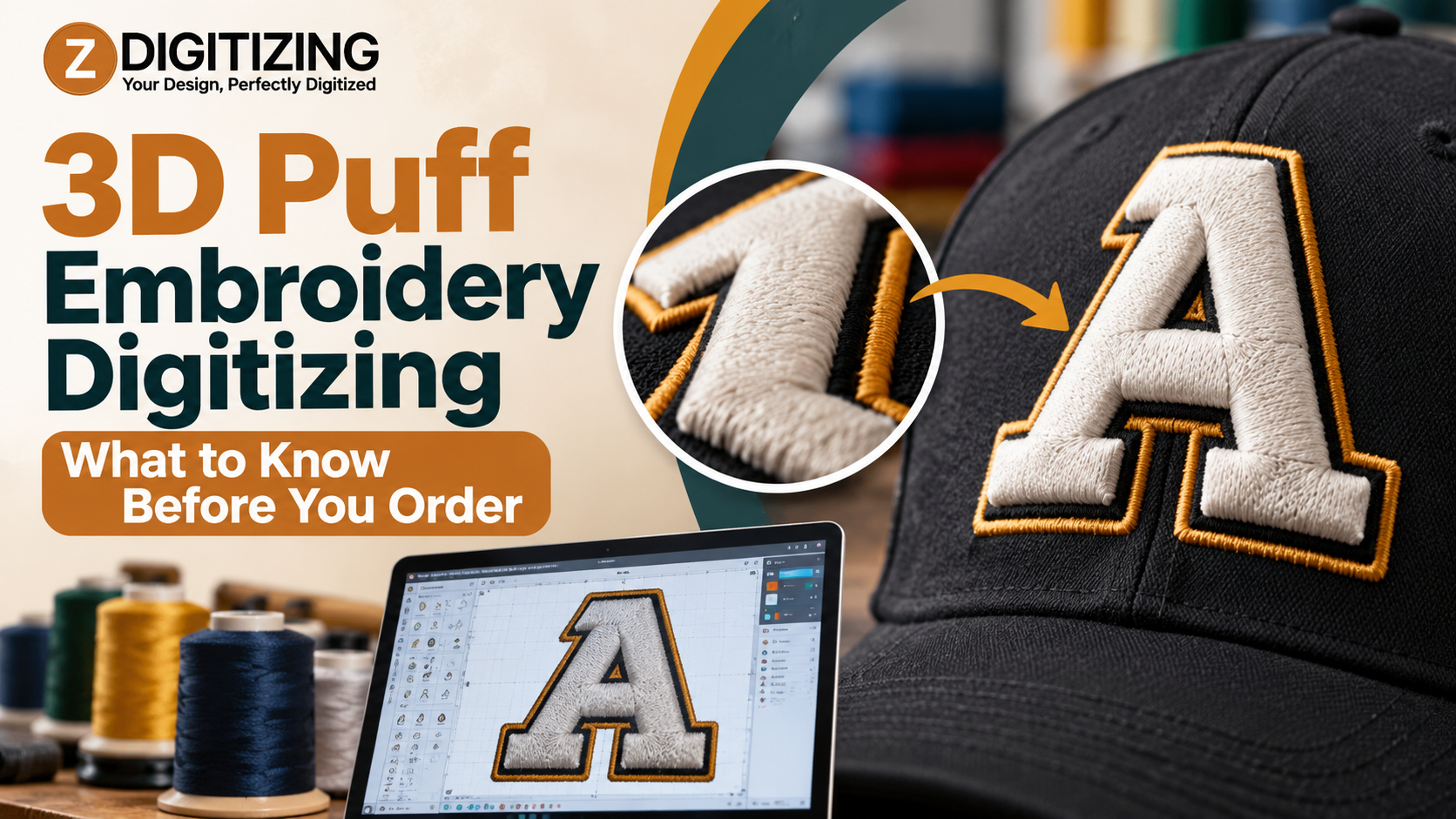
Raised embroidery is unforgiving. If the stitch file ignores the foam under the thread, you get gaps, ragged edges, and letters that lose their shape. We build each 3D Puff Embroidery Design as a dedicated puff file, so dense satin stitches cover the foam fully on caps, hoodies, and jackets.
This guide covers how 3D Puff Embroidery Digitizing works, which logos suit foam, and what to prepare before you place an order.
What Is 3D Puff Embroidery Digitizing?
3D Puff Embroidery Digitizing is the process of converting a logo into a stitch file made for embroidery over a foam layer. The foam sits under the top stitches, and dense stitching covers it to create a raised, three-dimensional look.
The file controls where each stitch goes, how dense it is, which direction it runs, and how the design edge is cut so excess foam can be removed. A flat embroidery file does not carry these instructions, so it cannot produce a clean puff result.
How Puff Differs From Flat Embroidery
|
Feature |
Flat Embroidery |
Puff Embroidery |
|
Base |
Thread sits on the fabric |
Thread sits over foam |
|
Edges |
Standard stitched edge |
Edge stitches also cut the foam |
|
Lettering |
Small text can work |
Letters must be taller and bolder |
|
Detail |
Fine detail is possible |
Bold, simplified shapes work best |
|
Coverage |
Thread fills the area |
Satin stitches must fully hide the foam |
Which Logos Work in Puff
Puff rewards bold, simple artwork. Foam needs wide, solid coverage to hold its shape.
Strong candidates:
-
Block letters and numbers
-
Simple icons and monograms
-
Solid shapes with clear edges
Weak candidates:
-
Thin lines and hairline outlines
-
Tiny text and fine detail
-
Gradients and photographic artwork
If your logo mixes both, puff the bold parts and sew the fine parts flat. That combination often looks better than forcing everything into foam.
Garments and Fabrics
Caps are the most common puff garment, so our cap logo digitizing and hat digitizing services often pair with puff. Hoodies and jackets also work well.
Structured, stable fabrics hold the raised surface best. Very thin or stretchy fabrics can distort under dense stitching, so tell us the garment type before we begin.
Settings Inside a Puff Stitch File
A good puff file sets each of these on purpose:
-
Coverage and density: Cover stitches must hide the foam completely. Low density lets foam show through, and high density makes the surface stiff.
-
Perforation stitches: These run along the design edge and cut the foam so the excess tears away cleanly.
-
Stitch direction: Direction changes how light hits the raised surface.
-
Letter size and weight: Puff lettering must be larger and bolder than flat lettering.
-
Pull compensation: Thread tugs fabric inward as it sews, so digitizers adjust shapes to offset that pull.
How We Prepare Your Puff File
At ZDigitizing, we follow a clear process for every puff file:
-
You send your artwork. Include the logo, garment type, and finished size.
-
We review the design. We flag thin lines, small text, and details that will not hold up over foam.
-
We build the stitch file. We set coverage, density, direction, and perforation for puff.
-
You receive the file. We deliver it in the format your machine reads.
Each 3D Puff Embroidery Design we receive gets a puff-specific file, not a converted flat file. If your artwork needs cleanup first, our vector art service and our convert image to embroidery file service can prepare it before digitizing begins.
What to Send With Your Order
-
The best version of your logo, such as a vector file, a clear PNG, or a high-resolution JPG
-
The finished width and height you want
-
The garment and fabric type
-
Thread and foam colors, if you have them
-
Your machine’s file format
Embroidery machine brands read different formats. Common ones include:
-
DST: Widely used on commercial machines
-
PES: Common with Brother and Babylock machines
-
EXP: Used with Melco machines
-
JEF: Used with Janome machines
Problems a Test Sew-Out Catches
A sample on the real garment shows issues before a full run:
-
Foam showing through letters: Cover stitches are too thin.
-
Ragged foam around edges: Perforation is weak.
-
Letters that blur or fill in: The text is too small or too thin.
-
Puckered fabric: Pull is not offset in the file.
Is Professional 3D Puff Embroidery Digitizing Worth It?
Professional digitizing is worth it when a raised logo must look clean and consistent across many garments. Puff leaves little room for error, because gaps in coverage show foam and rough edges stand out. Auto-digitizing software can produce a quick file, but it often misses the foam-specific settings puff requires, so a manual review still matters.
Order With Bold Artwork and a Foam-Ready File
The best puff results come from two things: artwork built for foam and a file made for it. At ZDigitizing, we build each puff file around the design, the garment, and the finished size. Our 3D Puff Embroidery Digitizing work focuses on full coverage, clean edges, and readable letters.
If you have a logo ready, send it to us with the garment type and size, and we will help you decide what to adjust before it reaches the machine. You can also explore our patch digitizing and applique digitizing services.
FAQs
What is 3D puff embroidery digitizing?
3D Puff Embroidery Digitizing converts a logo into a stitch file made for embroidery over foam. The file sets coverage, density, direction, and perforation, so an embroidery machine can create a raised, three-dimensional design.
Can I use my regular embroidery file for puff?
No. Flat files do not account for foam height, dense coverage, or perforated edges, so they often leave gaps or loose edges. We build a separate puff file for each design.
Can small text be done in puff?
Usually not. Foam needs bold, wide letters, and small text fills in and loses clarity. We may recommend enlarging the text, simplifying it, or sewing it flat.
Which file format do I need for puff embroidery?
You need the format your machine reads. DST, PES, EXP, and JEF are common choices. If you are unsure, check your machine’s manual or contact us, and we can confirm the correct format before we digitize your design.
What should I send for my 3D puff embroidery design?
Send the clearest version of your logo, ideally a vector file or a high-resolution image. Include the garment type, target size, and thread colors. With those details, our team can review your 3D Puff Embroidery Design and start without back-and-forth.

 English
 Arabic
 French
 Spanish
 Portuguese
 Deutsch
 Dutch
Dutch
 Italiano
 Russian
 Romaian
 Portuguese (Brazil)
 Greek
Greek