


Computer Network Installation Services for Better Performance
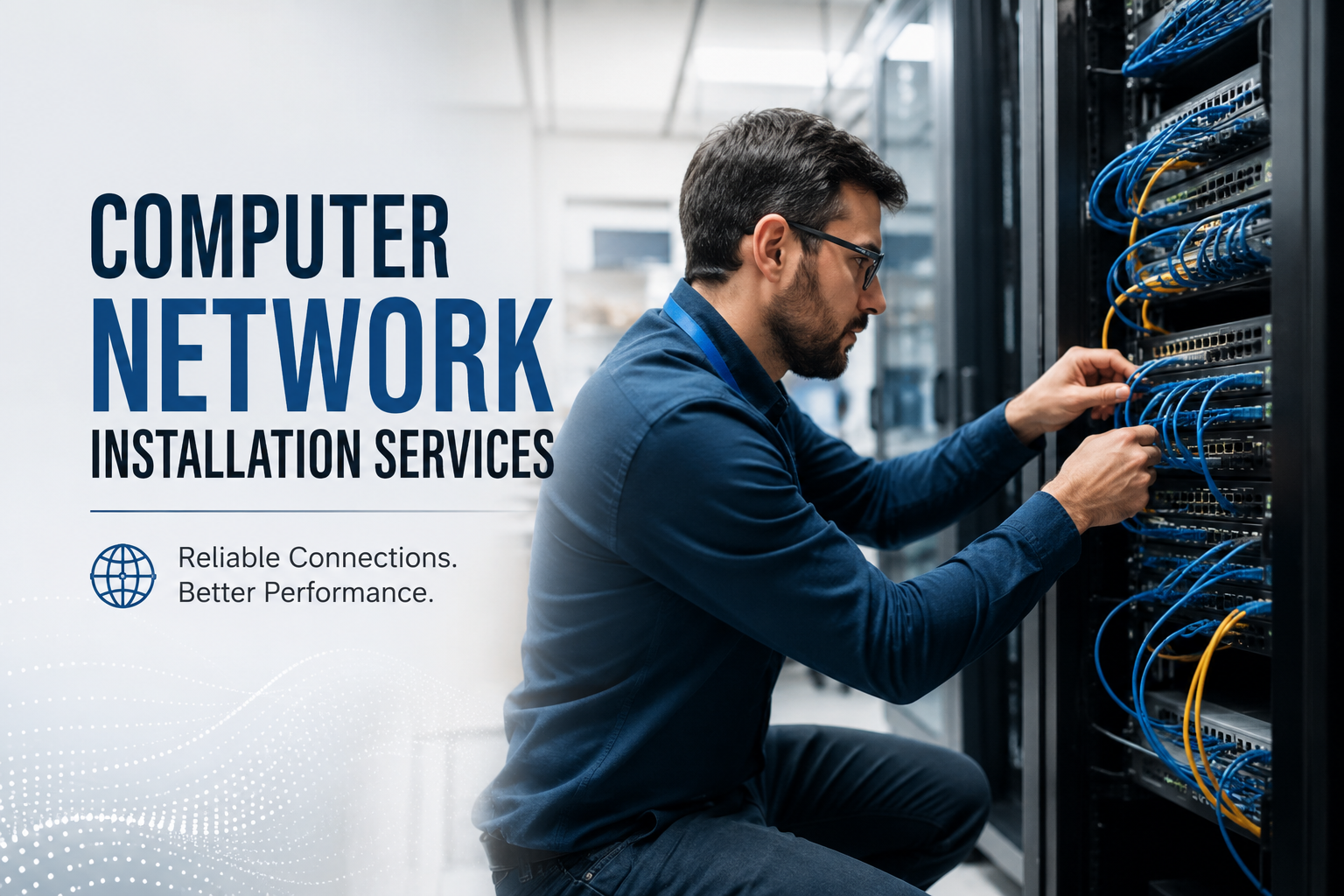
A reliable network is the backbone of every modern business. Whether employees are sharing files, hosting online meetings, accessing cloud applications, or communicating with customers, every digital task depends on a stable network. Unfortunately, many organizations only notice their network when something goes wrong. Slow internet speeds, disconnected devices, and recurring outages often point to deeper infrastructure issues.
Professional computer network installation services help businesses avoid these problems by creating a strong, scalable, and secure network from the beginning. Combined with effective server room cable management, a well-designed infrastructure improves performance, simplifies maintenance, and supports future business growth.
This guide explains why professional installation matters, the most common networking challenges, and the best ways to build a dependable business network.
Why Network Problems Happen More Often Than Expected
Many businesses experience recurring network issues because their infrastructure was installed without long-term planning. As companies grow, additional devices, workstations, wireless access points, and servers are added without reorganizing the existing setup.
Common causes include:
- Poor cable routing
- Incorrect hardware placement
- Outdated networking equipment
- Overloaded switches
- Lack of network documentation
- Improper equipment ventilation
Over time, these issues reduce efficiency and make troubleshooting more difficult.
How Professional Installation Improves Network Reliability
A professionally installed network is designed around your business requirements rather than temporary fixes. Every cable, switch, router, and access point is positioned to deliver consistent performance across the workplace.
Experienced installers evaluate factors such as:
- Office layout
- Device density
- Internet bandwidth
- Future expansion plans
- Security requirements
- Equipment compatibility
Planning before installation minimizes interruptions and helps create a network that continues performing as business needs evolve.
The Value of Proper Network Planning
Installing networking equipment without a structured plan often creates unnecessary complexity later. A planned infrastructure ensures every component works together efficiently.
Important planning considerations include:
Network Coverage
Wireless signals should reach every workspace without dead zones or overlapping interference.
Device Capacity
The network should support current users while leaving room for future employees, IoT devices, and business applications.
Equipment Placement
Switches, patch panels, and servers should be installed where they remain accessible for maintenance while staying protected from environmental risks.
Cable Routing
Well-organized cable pathways reduce clutter and make future upgrades significantly easier.
Why Organized Cabling Makes a Difference
Network performance depends on more than routers and switches. Physical cabling has a direct impact on speed, stability, and maintenance.
Poorly organized cables may lead to:
- Accidental disconnections
- Longer repair times
- Signal interference
- Reduced airflow
- Difficult troubleshooting
Clean cable routing helps technicians quickly identify connections, replace damaged cables, and expand the network without disrupting operations.
The Importance of Server Room Organization
Many businesses focus on office networking but overlook the condition of their server room. As equipment grows, cables often become tangled, unlabeled, and difficult to trace.
Good server room cable management creates a cleaner and safer environment by organizing cables into structured pathways and labeling every connection clearly.
Benefits include:
- Faster maintenance
- Better airflow around equipment
- Reduced cable damage
- Easier hardware upgrades
- Improved equipment accessibility
- Lower risk of accidental outages
A well-organized server room also presents a more professional appearance during inspections or IT maintenance.
Signs Your Network May Need an Upgrade
Your network might still function, but several warning signs suggest the infrastructure needs professional attention.
Watch for symptoms such as:
- Frequent connection drops
- Slow file transfers
- Buffering during video meetings
- Wi-Fi dead zones
- Network congestion during busy hours
- Random device disconnects
- Difficulty adding new hardware
Addressing these issues early prevents larger operational disruptions.
Choosing the Right Cabling for Long-Term Performance
Different businesses require different cabling solutions depending on speed requirements, building size, and future expansion.
Common options include:
Cat6 Cabling
Suitable for most modern offices requiring reliable Gigabit networking.
Cat6a Cabling
Offers higher bandwidth and improved performance in environments with greater data demands.
Fiber Optic Cabling
Ideal for long-distance connections, data centers, and businesses requiring extremely high-speed communication between network devices.
Selecting the appropriate cable type helps avoid expensive replacements later.
Security Starts with the Physical Network
Cybersecurity often focuses on software, but physical infrastructure plays an equally important role.
Professional installation improves security by:
- Restricting unauthorized equipment access
- Protecting cables from accidental damage
- Organizing patch panels
- Securing networking hardware
- Reducing exposed connection points
A secure physical environment complements firewalls, antivirus software, and other digital security measures.
Easier Maintenance Saves Time and Money
One major advantage of a professionally installed network is simplified maintenance.
Clearly labeled cables, organized racks, and documented connections allow IT teams to quickly locate problems without unnecessary downtime.
Routine maintenance becomes much more efficient when technicians can identify equipment immediately instead of tracing tangled cables.
Businesses also spend less money on emergency repairs because issues are resolved faster.
Preparing Your Network for Future Growth
Technology changes rapidly. Businesses that install scalable infrastructure today avoid expensive redesigns tomorrow.
Future-ready networks should support:
- Additional employees
- Cloud applications
- Smart office devices
- Security camera systems
- VoIP phone systems
- High-speed internet upgrades
- Wireless expansion
Building flexibility into the initial installation reduces future disruption while supporting business growth.
Best Practices for a Reliable Business Network
To maximize network performance, businesses should follow several proven practices.
- Keep networking equipment organized.
- Label every cable and connection.
- Schedule routine infrastructure inspections.
- Replace damaged cables promptly.
- Maintain adequate airflow around servers.
- Use quality networking components.
- Document all network changes.
- Plan for future expansion during installation.
These simple habits contribute to a more stable and dependable network.
Conclusion
A dependable network supports every aspect of modern business, from communication and collaboration to customer service and cloud connectivity. Investing in professional computer network installation services creates a stronger infrastructure that minimizes downtime, improves efficiency, and prepares your organization for future growth.
Equally important, organized server room cable management keeps critical equipment accessible, improves airflow, and simplifies maintenance whenever changes or repairs are needed.
Rather than reacting to recurring network problems, businesses benefit most from proactive planning, quality installation, and well-organized infrastructure that continues delivering reliable performance for years to come.
 Spanish
 English
 Arabic
 French
 Portuguese
 Deutsch
 Turkish
 Dutch
Dutch
 Italiano
 Russian
 Romaian
 Portuguese (Brazil)
 Greek
Greek