


From Service Call to Payment: Building a Better HVAC Job Workflow
Introduction
Running an HVAC business requires coordination at every stage of a service job. From receiving a customer's request to assigning a technician, completing the repair, preparing an invoice, and collecting payment, each step needs to happen at the right time. When these activities are managed through separate tools, contractors may experience scheduling conflicts, missing job details, delayed invoices, and payment follow-ups.
A well-defined workflow helps HVAC businesses complete jobs more efficiently while keeping customers informed. HVAC job management software gives contractors a centralized way to organize service requests, coordinate technicians, monitor job progress, and manage billing. Kickstart helps field service businesses connect important operational tasks so teams can manage jobs with less administrative effort.
1. Capture Service Requests Accurately
Every successful HVAC job begins with collecting the right information. When a customer reports an air conditioning problem or requests routine maintenance, the office team needs to record contact details, the service address, the reported issue, and any relevant appointment preferences.
Missing information can cause delays when technicians arrive without the necessary equipment or knowledge of the problem. A structured process ensures that service requests include the details employees need before assigning the job.
Using HVAC job management software helps businesses organize incoming requests and maintain a clear record of each job. Staff can review the information, prioritize urgent calls, and prepare the next steps without searching through scattered messages or handwritten notes.
2. Schedule and Assign the Right Technician
Once a request is received, the next step is to schedule the appointment and assign a suitable technician. Managers must consider availability, location, workload, skills, and the urgency of each service call.
Manual scheduling becomes difficult when multiple technicians are handling jobs across different locations. Assigning two appointments too close together or sending a technician across town unnecessarily can disrupt the entire day's schedule.
A digital scheduling system makes it easier to review appointments, technician availability, and job assignments. With HVAC job management software, dispatchers can organize work more effectively and adjust assignments when emergencies or cancellations occur.
Kickstart supports service scheduling and dispatch coordination, helping businesses maintain better visibility into their daily operations and keep field teams informed about assigned work.
3. Prepare Technicians Before the Visit
Technicians need more than an appointment time to complete a job successfully. They may also need customer contact details, equipment information, previous service notes, job instructions, and details about the reported issue.
When this information is unavailable, technicians may need to call the office repeatedly or return to the workshop for missing supplies. These interruptions increase travel time and reduce the number of jobs a team can complete.
Keeping job details organized before dispatch helps technicians prepare for their assignments. They can understand the customer's requirements, plan the visit, and identify potential equipment or parts needs in advance.
A connected workflow also helps office staff communicate changes, ensuring technicians receive updated instructions when a customer reports a new problem or requests additional work.
4. Track Job Progress in Real Time
Knowing whether a job is scheduled, in progress, completed, or awaiting approval helps managers make better decisions throughout the day. Without clear status updates, office staff may struggle to answer customer questions or identify delayed appointments.
Using HVAC job management software allows businesses to track job statuses and maintain visibility into ongoing service activities. Managers can identify unfinished work, follow up on delays, and determine which appointments require attention.
Kickstart helps service businesses organize work orders and job updates, giving office teams a clearer picture of daily operations. Better job visibility also helps employees coordinate changes without relying entirely on repeated phone calls.
5. Complete the Job and Document the Work
After completing a repair or maintenance visit, technicians should document the work performed. This may include the original complaint, the diagnosis, parts used, labor details, recommendations, and any additional repairs required.
Accurate documentation helps businesses maintain service histories, answer customer questions, and prepare invoices based on the work completed. It also gives future technicians useful information when returning to the same property.
A consistent job-completion process reduces the chance of missing important details. Before closing a work order, teams should confirm that required notes, materials, and service updates have been recorded.
6. Generate Invoices and Collect Payments Faster
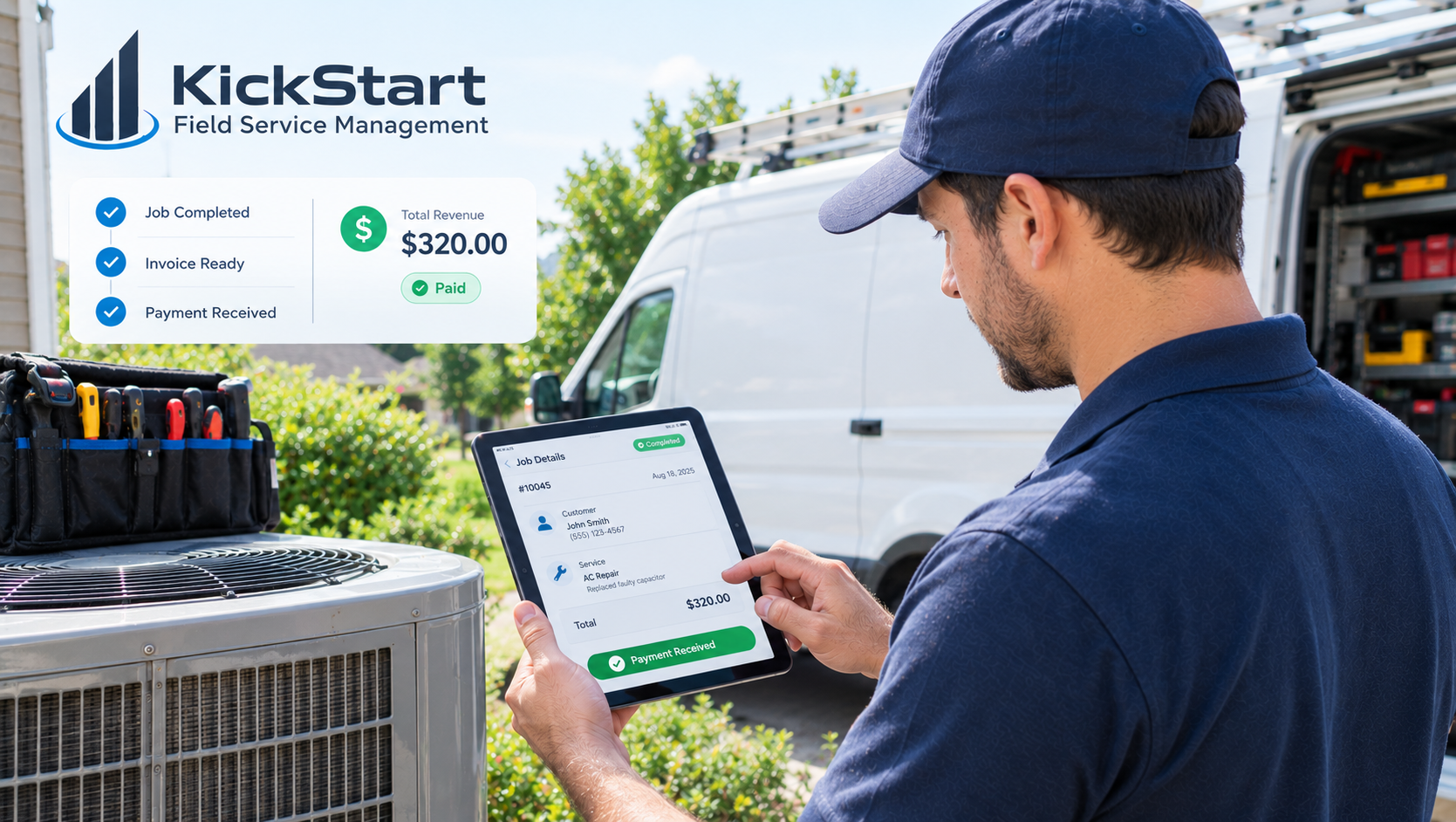
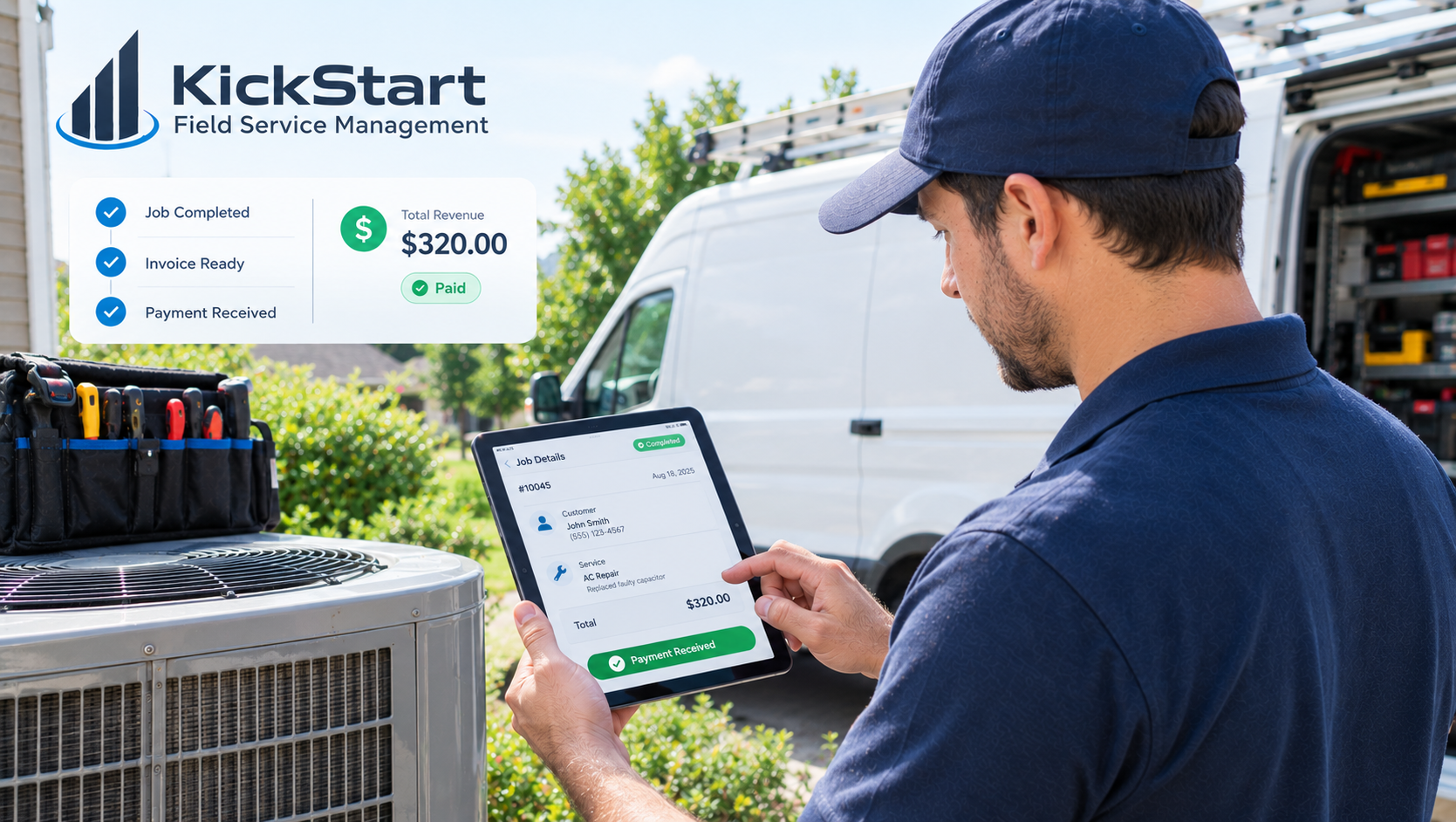
The final stages of a service job involve preparing the invoice, communicating the amount due, and collecting payment. When billing depends on paperwork being transferred manually from technicians to office staff, invoices can be delayed or contain incorrect charges.
HVAC job management software helps connect completed jobs with billing activities, making it easier to organize labor charges, parts costs, approved estimates, and payment records.
Contractors should establish a clear process for reviewing completed work, checking invoice details, sending bills promptly, and tracking outstanding balances. Offering convenient payment options can also make it easier for customers to settle invoices.
With Kickstart, businesses can manage job and billing activities through a more connected field service workflow, helping reduce administrative gaps between completing a job and requesting payment.
How Kickstart Helps Improve the HVAC Job Workflow
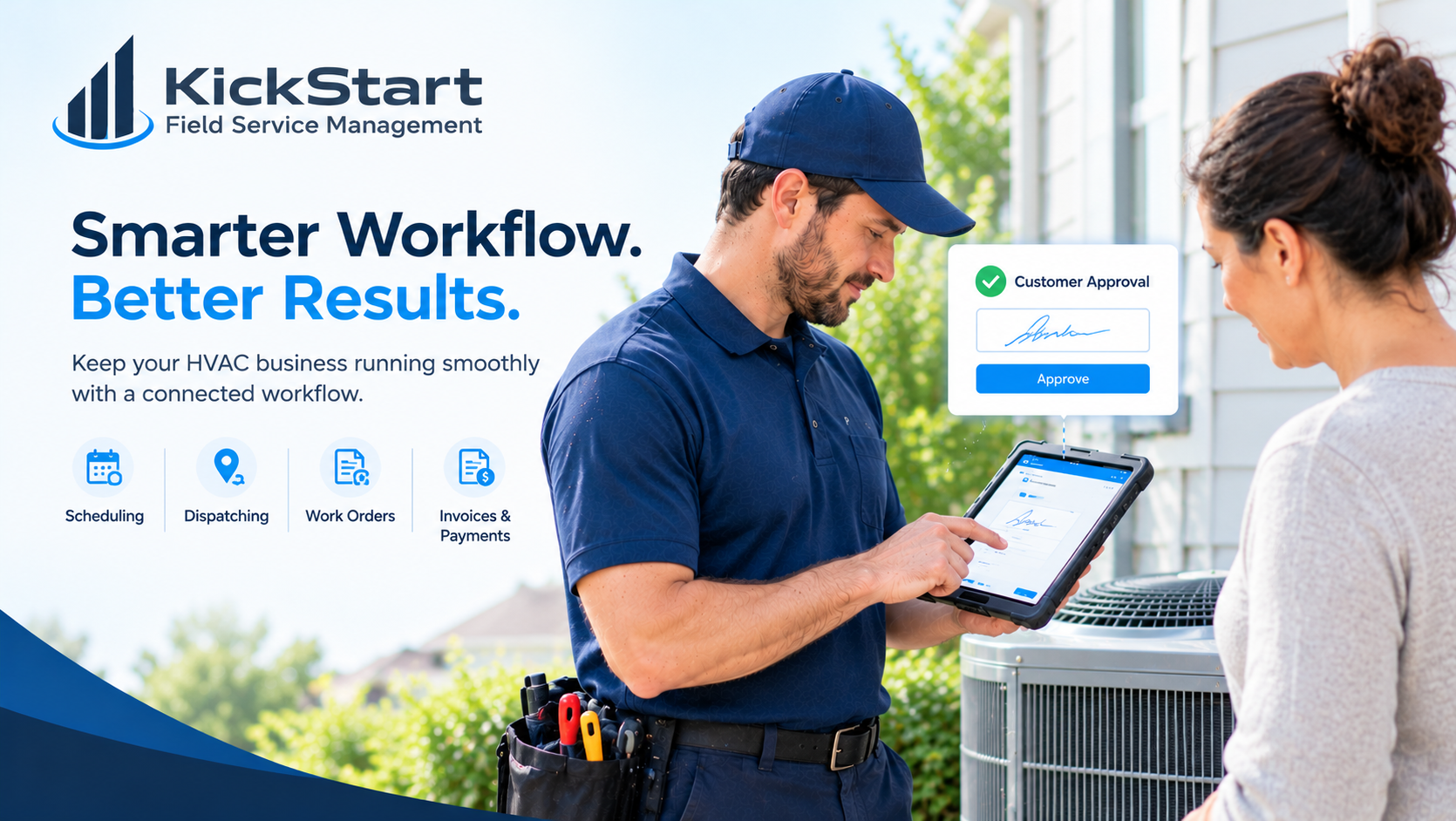
Kickstart helps HVAC contractors coordinate scheduling, dispatching, work orders, job progress, estimates, invoices, and customer payments. Bringing these activities into a connected workflow can reduce the need to switch between disconnected systems.
For small and growing HVAC companies, better organization means office staff can spend less time chasing job updates while technicians can focus on completing their assigned work. Managers can also review operational information to identify bottlenecks and improve processes over time.
The goal is not simply to complete more appointments. It is to create a reliable process in which every service request moves smoothly from booking to completion and payment.
Conclusion
An efficient HVAC workflow depends on accurate service requests, effective scheduling, prepared technicians, clear job updates, proper documentation, and timely billing. When any stage is overlooked, delays and administrative problems can affect both profitability and customer satisfaction.
Choosing HVAC job management software that supports your entire service process can help connect these activities and make daily operations easier to manage. With Kickstart, HVAC contractors can build a more organized workflow, improve visibility across their teams, and create a smoother experience from the first service call to the final payment.
FAQs
1. What is HVAC job management software?
HVAC job management software helps contractors manage service requests, schedule appointments, assign technicians, track work orders, document completed jobs, and organize invoicing.
2. How can HVAC job management software improve technician productivity?
It helps technicians access job details, understand their assignments, receive schedule updates, and reduce time spent searching for information or contacting the office.
3. How does job management software help HVAC contractors track work progress?
It allows teams to monitor job statuses, identify unfinished tasks, review completed work, and coordinate schedule changes more efficiently.
4. Can HVAC job management software simplify invoicing and payments?
Yes, suitable software connects completed jobs with estimates, invoices, and payment records, helping contractors reduce billing delays and track outstanding balances.
5. How does Kickstart improve the HVAC job workflow?
Kickstart helps HVAC contractors coordinate scheduling, dispatching, work orders, job tracking, estimates, invoicing, and payments, making it easier to manage service jobs from booking to completion.

 English
 Arabic
 French
 Spanish
 Portuguese
 Deutsch
 Dutch
Dutch
 Italiano
 Russian
 Romaian
 Portuguese (Brazil)
 Greek
Greek