


Sharp Manuals: Three Ways Technology Preserves What Matters

A camcorder preserves moments, an air conditioner maintains a comfortable environment, and an electronic organizer keeps personal information within reach. At first glance, these products have almost nothing in common. Yet they share an interesting characteristic: each one manages something that users would rather not lose control of.
With a camcorder, that means recorded footage and the settings needed to capture it correctly. With an air conditioner, it means maintaining a predictable indoor climate. With an electronic organizer, it means keeping appointments, telephone numbers and personal notes accessible.
Looking at these products through that perspective reveals why their instruction manuals contain much more than basic operating directions.
The camcorder as a personal archive
Before smartphones became everyday recording devices, compact camcorders were an important way to preserve family events, holidays and personal projects. Sharp's ViewCam range included models with optical zoom, LCD screens, electronic image controls and different recording formats.
The VL-Z5E is an example of this generation. It records video on MiniDV cassettes and includes a memory-card slot for compatible still-image functions. Its controls cover automatic and manual recording, focus, exposure, white balance and playback.
The interesting thing about the Sharp Camcorder manuals is how much attention they give to the preparation of a recording, rather than simply pressing the Start button.
For instance, the VL-Z5E documentation explains how to attach the battery, insert a cassette, adjust the hand strap and prepare the LCD monitor. It also describes recording features such as manual focus, digital zoom, backlight compensation and image stabilisation.
These functions influence the final footage in different ways. Backlight compensation helps when the subject is positioned against a bright background. Manual focus is useful when automatic focusing repeatedly selects the wrong object. White balance adjustments help maintain more natural colours under different lighting conditions.
The manual also contains instructions for connecting the camcorder to external equipment and transferring recorded material through its DV terminal.
This last detail is particularly important today. Someone recovering recordings from an old MiniDV collection may need to understand the original connection and playback requirements before attempting to digitise the tapes.
The Sharp Camcorder manuals are therefore valuable not only to people who still record with these devices, but also to anyone preserving footage created years ago.
The air conditioner as an invisible household assistant
Unlike a camcorder, an air conditioner rarely attracts attention when everything works properly. Its success is measured by something less visible: the room remains comfortable without constant intervention.
Sharp air conditioners offer several operating modes and additional functions, depending on the model. These can include cooling, heating, dehumidification, fan operation, sleep settings, timers and automatic airflow adjustment.
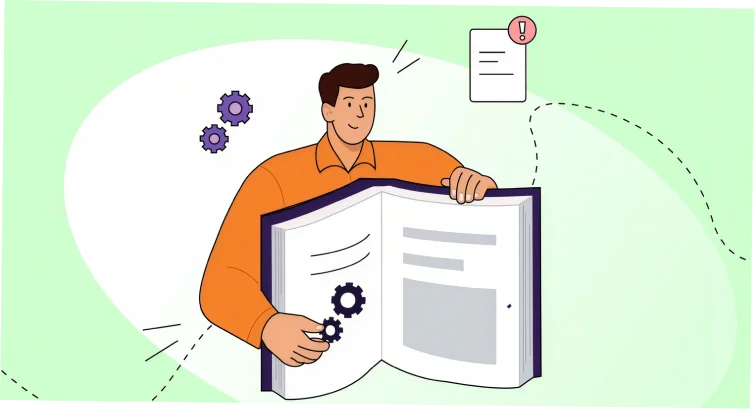
The Sharp Air Conditioner manuals help explain how these functions interact.
Consider the difference between cooling and dry mode. Cooling is intended to lower room temperature, while dehumidification focuses on reducing moisture in the air. Although both functions may involve the refrigeration cycle, they are not identical operating strategies.
Automatic mode introduces another layer of decision-making. Instead of continuously adjusting the temperature and fan settings, the user allows the appliance to select operating parameters according to its control logic.
Sleep and timer functions serve a different purpose. They help adapt operation to household routines, reducing the need to switch the appliance manually throughout the day.
Sharp documentation also places considerable emphasis on airflow direction. The position of the louvers affects how conditioned air moves around a room. Directing cold air continuously toward a person may be uncomfortable, even when the temperature setting itself is reasonable.
Maintenance is another important part of the documentation. Air filters collect dust during normal operation and need periodic cleaning according to the instructions for the particular model. A dirty filter can restrict airflow and reduce operating efficiency.
Some Sharp models also include self-cleaning functions, but these should not be confused with manual filter maintenance or professional servicing.
The official Sharp Air Conditioner manuals vary between product families and markets. A remote control with a particular button layout may not correspond to another model, even if both units carry the same brand name. This is why the exact indoor and outdoor unit designations matter when selecting documentation.
The electronic organizer: a pocket-sized information system
Long before cloud calendars and smartphone contact lists, electronic organizers offered a portable way to manage everyday information.
Sharp developed several generations of these devices, including the ZQ series. The ZQ-4400 is an interesting example because it combines functions that would now be distributed across several applications.
Its operating manual describes a calendar, schedule, anniversary records, telephone directory, memo storage, to-do lists, expense tracking, calculator, conversion functions and data transfer.
The Sharp Organizer manuals reveal that these devices were more than digital address books. They were designed as small personal information-management systems.
Imagine planning a business trip with a ZQ-4400. The calendar helps identify the dates, the schedule function stores appointments, the telephone directory keeps contact information and the expense section records costs. Separate anniversary and reminder functions help prevent important dates from disappearing among ordinary tasks.
The device also has a secret function for protecting selected information. This was particularly relevant when organizers stored personal telephone numbers, addresses and business notes.
However, electronic organizers have a limitation that modern smartphone users sometimes forget: their information is only as useful as the available backup and transfer arrangements.
Battery replacement, memory retention and data transfer procedures deserve attention. Before experimenting with a device that has been unused for many years, consult its original documentation. A seemingly harmless reset or incorrect battery procedure could result in lost information.
The Sharp Organizer manuals are especially useful when restoring an older organizer that still contains valuable appointments or contact records. They explain the key operations and help users understand the original data-management system.
What these three products reveal about the evolution of everyday technology
There is an interesting historical connection between these devices.
The camcorder represents the transition from analogue home video to compact digital recording. The air conditioner represents the growing automation of household equipment. The electronic organizer represents an earlier stage in the development of personal digital information management.
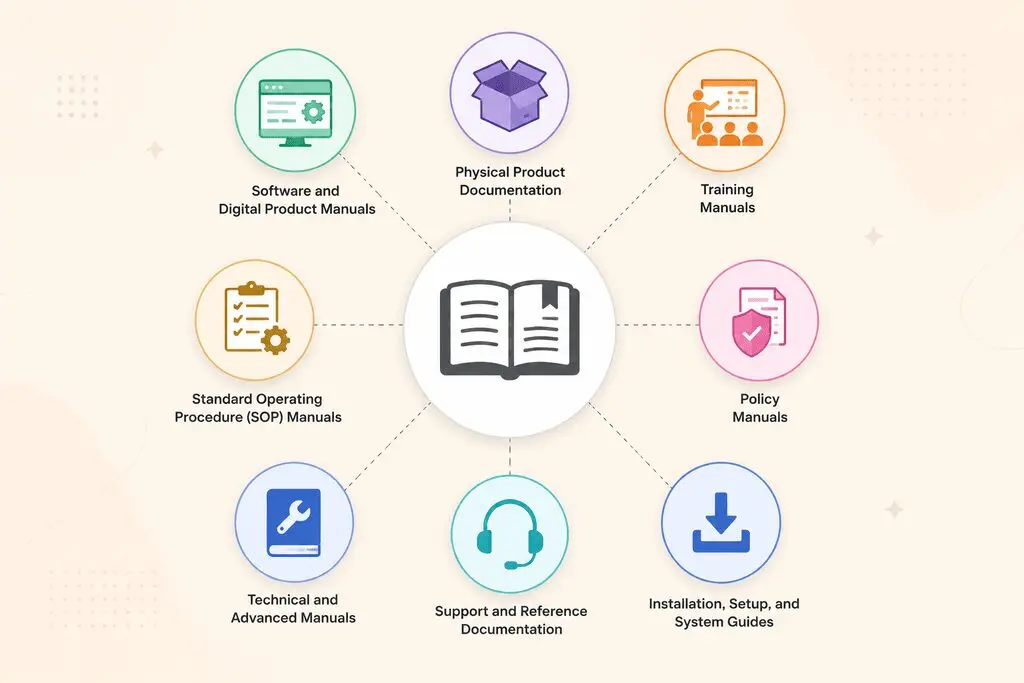
Each product introduced a different relationship between the user and technology.
|
Product |
What it manages |
What the user wants to preserve |
|---|---|---|
|
Sharp ViewCam VL-Z5E |
Video and still images |
Memories and recordings |
|
Sharp air conditioner |
Temperature and airflow |
Indoor comfort |
|
Sharp ZQ-4400 |
Personal information |
Appointments, contacts and notes |
Their interfaces may be outdated by current standards, but their operating principles remain relevant.
A modern camera still requires attention to focus and exposure. A contemporary climate-control system still needs correct airflow and filter maintenance. A smartphone calendar still depends on reliable information entry and backup.
The hardware has changed, but the underlying tasks have not disappeared.
Why the model number matters more than the product category
One problem with older Sharp equipment is that manuals are frequently grouped by broad product categories. Searching for a camcorder, air conditioner or organizer may produce dozens of documents.
That does not mean the first result is suitable.
For camcorders, regional versions may have different recording standards, accessories or menu arrangements. Air conditioners can have different indoor and outdoor unit combinations, remote controls and operating modes. Organizers may have similar keyboards but different memory capacities and data-transfer functions.
When looking for Sharp Camcorder manuals, check the complete VL model designation and the recording format. For Sharp Air Conditioner manuals, identify both unit numbers where applicable. For Sharp Organizer manuals, make sure the document matches the exact ZQ model.
It is also important to distinguish between operation manuals and service documentation. An owner who wants to adjust settings needs a different document from a technician repairing internal electronics.
Keeping older Sharp equipment useful
Older electronics often have a second life. A camcorder may still be used to play family recordings, an air conditioner may continue serving a room reliably, and an organizer may contain information worth recovering.
The best way to preserve their usefulness is to keep the original documentation together with the device's identification information.
For a camcorder, this may mean saving the recording and playback instructions. For an air conditioner, it means retaining the operating and maintenance procedures. For an organizer, it may involve preserving the data-transfer and memory-related sections.
The variety of Sharp Camcorder manuals, Sharp Air Conditioner manuals and Sharp Organizer manuals reflects how broad the manufacturer's product history has been.
These devices may belong to different technological eras, but they all demonstrate the same idea: good engineering is not only about introducing useful functions. It is also about giving people enough information to use those functions confidently and preserve what the equipment was designed to manage.
 Portuguese
 English
 Arabic
 French
 Spanish
 Deutsch
 Turkish
 Dutch
 Italiano
 Russian
 Romaian
 Portuguese (Brazil)
 Greek