


Common DTF Printer Mistakes and How to Avoid Them
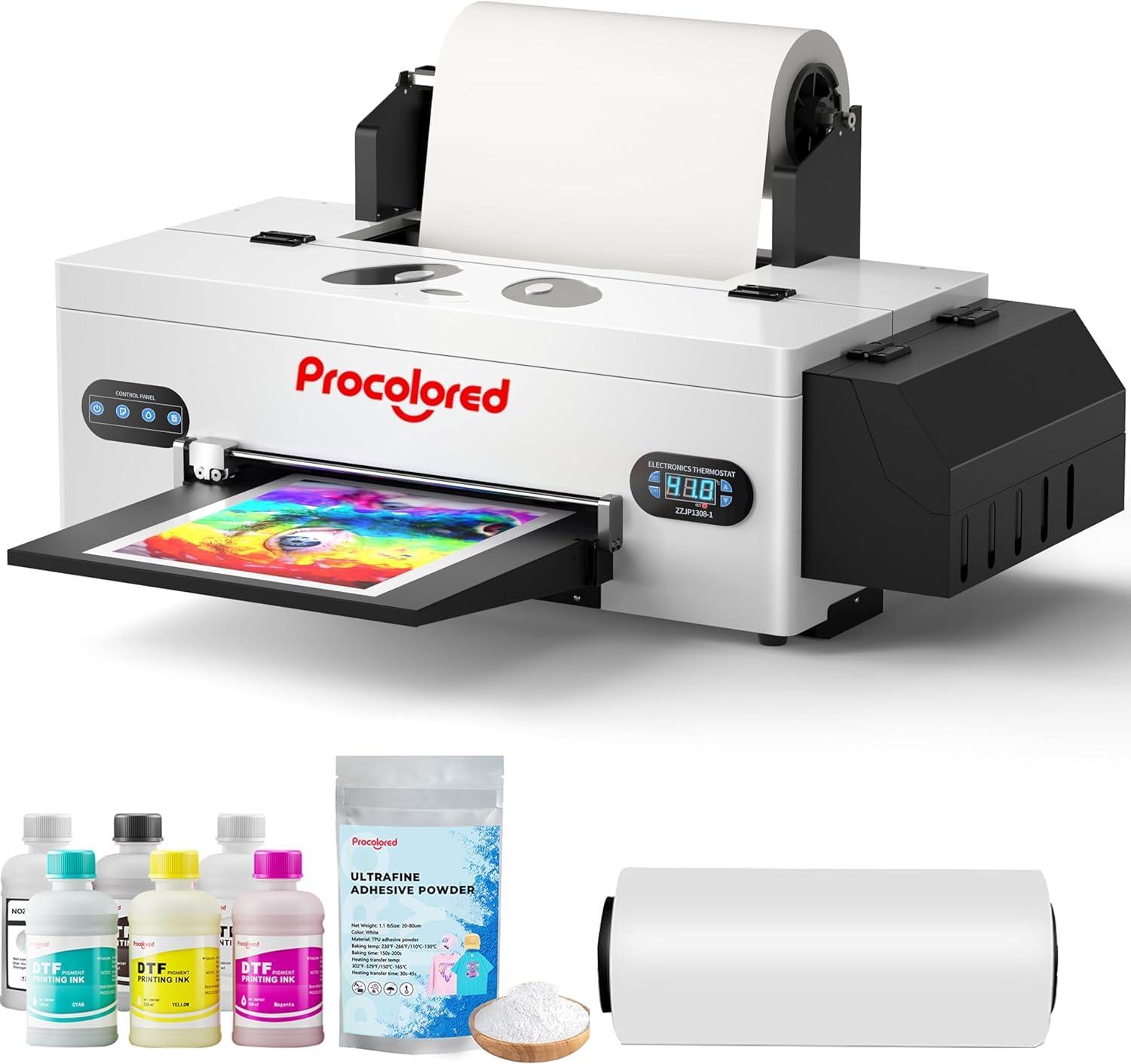
Direct-to-Film (DTF) printing has become one of the most popular methods for creating high-quality custom apparel designs. With its ability to print vibrant graphics on various fabrics, DTF technology offers flexibility and efficiency for both small businesses and professional printing operations. However, achieving consistent results requires proper knowledge, maintenance, and attention to detail. Many users experience problems because of common mistakes during preparation, printing, curing, and maintenance.
Understanding these mistakes and learning how to avoid them can help improve print quality, reduce material waste, and extend the lifespan of DTF equipment.
Using Low-Quality Materials
One of the most common mistakes in DTF printing is choosing poor-quality materials. The quality of ink, transfer film, and powder directly affects the final result. Low-quality supplies may cause faded colors, weak adhesion, cracking designs, or uneven finishes after pressing.
To avoid this issue, printers should always use reliable DTF inks, compatible films, and high-quality adhesive powder. Selecting materials designed specifically for DTF technology helps maintain color accuracy and improves durability on garments.
Incorrect Printer Settings
Many printing problems happen because users do not adjust printer settings correctly. Resolution, ink volume, color profiles, and printing modes all influence the final output. Using incorrect settings may result in blurry images, excessive ink usage, or poor color reproduction.
Before starting a production run, it is important to test different settings and create a standard setup for specific materials. Proper calibration ensures that designs appear sharp and colors remain consistent across multiple prints.
Poor Film Handling
DTF transfer film requires careful handling before and after printing. Touching the printable surface with dirty or oily hands can affect ink absorption and create defects. Dust, moisture, and fingerprints may lead to uneven printing results.
To prevent these issues, store film in a clean, dry environment and handle it carefully. Keeping the workspace organized reduces the chance of contamination and helps maintain consistent print quality.
Applying Too Much or Too Little Adhesive Powder
Adhesive powder plays an important role in connecting the printed design to fabric. Applying too much powder can create a thick, rough texture, while too little powder may cause weak adhesion and peeling after washing.
The solution is to apply an even layer of powder and remove excess material before curing. Proper powder distribution ensures that the design bonds correctly with the fabric while maintaining a smooth appearance.
Incorrect Curing Process
Curing the adhesive powder is a critical step in DTF printing. Many beginners make mistakes by using incorrect temperatures, insufficient curing time, or improper heating methods. Poor curing can result in designs that crack, peel, or fail to attach properly dtf printer.
Following recommended curing guidelines helps achieve stronger transfers. Regularly checking heat settings and ensuring even temperature distribution across the film can prevent many common problems.
Ignoring Regular Printer Maintenance
A DTF printer requires consistent maintenance to perform effectively. Neglecting cleaning routines can lead to clogged printheads, blocked ink lines, and inconsistent printing. These problems can reduce productivity and increase repair costs.
Regular maintenance should include cleaning printheads, checking ink circulation, inspecting components, and following manufacturer recommendations. A simple maintenance schedule can keep the printer operating smoothly for a longer period.
Using Incorrect Heat Press Settings
The heat press process determines how well a design transfers onto fabric. Incorrect pressure, temperature, or pressing time may damage the print or prevent proper adhesion.
Users should always match heat press settings with the type of fabric and transfer materials being used. Performing test presses before large production orders helps identify the correct combination for the best results.
Skipping Test Prints
Another common mistake is starting large production jobs without testing the design first. Small errors in color, alignment, or printing quality can become expensive when repeated across many garments.
Creating a test print allows users to identify problems early and make necessary adjustments. This simple step saves time, reduces waste, and improves overall production efficiency.
Poor Storage of Ink and Supplies
DTF inks and materials can lose quality when stored incorrectly. Exposure to extreme temperatures, sunlight, or contamination may affect ink performance and transfer results.
Proper storage conditions help preserve material quality. Keeping supplies sealed and stored in suitable environments ensures better performance during printing operations.
Lack of Knowledge About Fabric Compatibility
Different fabrics react differently to DTF transfers. Some materials may require special preparation or different pressing conditions. Ignoring fabric characteristics can lead to poor adhesion or unsatisfactory results.
Understanding fabric types and testing materials before production helps create stronger and more reliable prints.
Conclusion
DTF printing provides excellent opportunities for creating professional-quality apparel designs, but success depends on avoiding common mistakes. Problems such as incorrect settings, poor maintenance, improper curing, and unsuitable materials can affect both quality and productivity.
 Spanish
 English
 Arabic
 French
 Portuguese
 Deutsch
 Turkish
 Dutch
 Italiano
 Russian
 Romaian
 Portuguese (Brazil)
 Greek