


IPTV Catch-Up TV and Timeshift in Finland: How Replay Features Work
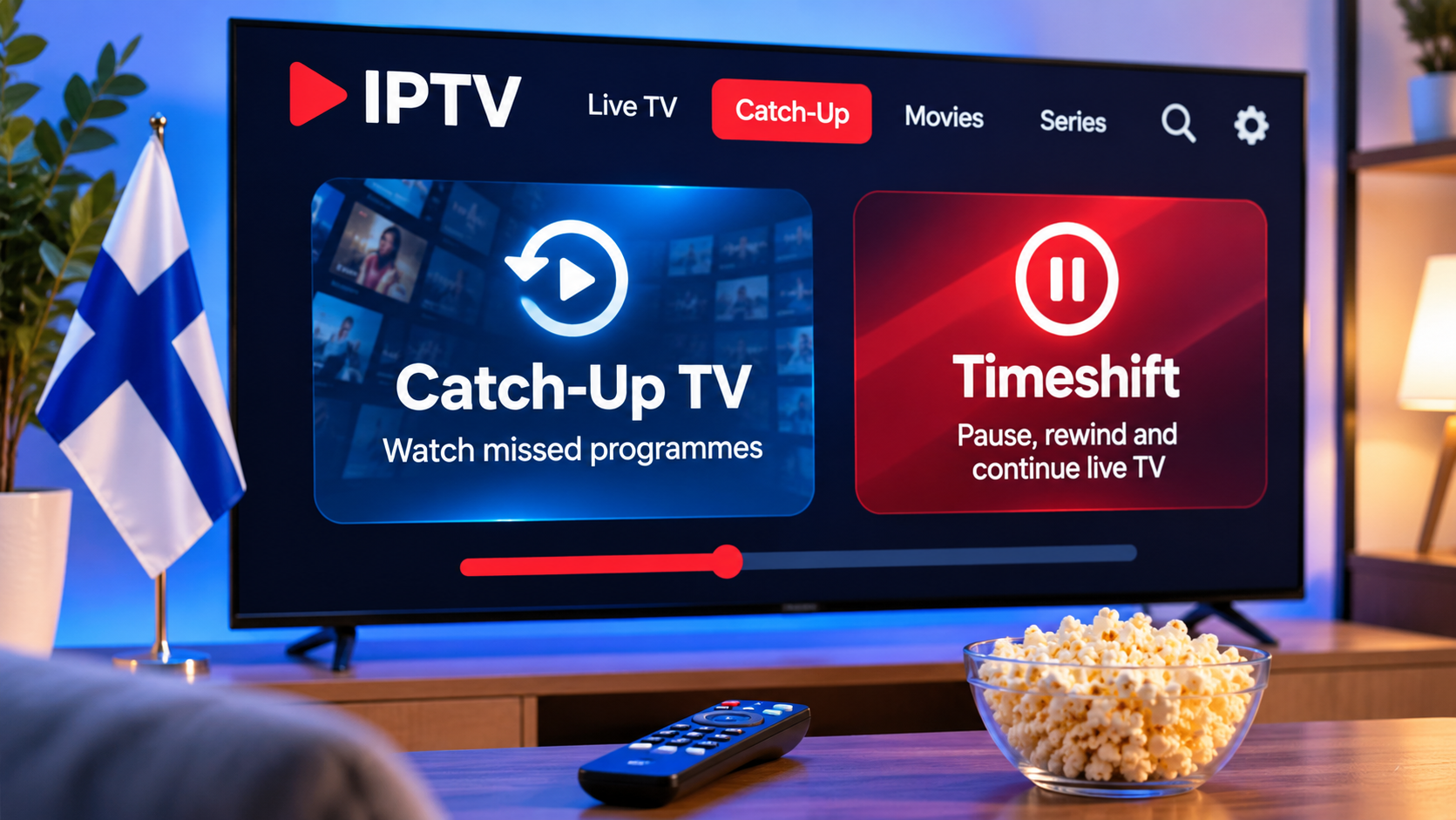
Live television does not always fit neatly into everyday schedules. A sports match may start while someone is still at work, a news programme may be missed during dinner, or a favourite show may air at an inconvenient time.
This is where IPTV features such as catch-up TV and timeshift can become useful. Although the terms are sometimes used interchangeably, they describe different ways of controlling live television playback.
For viewers in Finland, understanding how these features work can make it easier to choose an IPTV player, configure a compatible device, and know what to expect from live TV replay options.
What Is IPTV Catch-Up TV?
Catch-up TV allows viewers to watch certain programmes after their original live broadcast has finished.
Instead of recording the programme personally, the content may remain available through the IPTV service for a limited period.
The viewer can then return to the programme later through the channel guide or catch-up section.
Availability depends on the service and individual channel.
Not every live channel necessarily supports catch-up.
How Catch-Up TV Usually Works
A compatible IPTV player may mark channels or programmes that support replay.
The exact interface varies, but users may see:
-
A replay icon
-
A clock symbol
-
Previous programmes inside the EPG
-
A dedicated catch-up section
-
Earlier dates within the programme guide
The viewer selects a previous programme, and the IPTV application requests the archived stream.
From the user's perspective, this can feel similar to selecting an on-demand video.
What Is Timeshift?
Timeshift works differently.
Instead of returning to a programme hours or days later, timeshift allows viewers to control a live stream while they are watching it.
Depending on the application and service, this can include:
-
Pausing live television
-
Rewinding
-
Resuming playback
-
Returning to the live point
This makes live television behave more like recorded video.
Catch-Up TV vs Timeshift
The difference is mainly about when the programme is accessed.
Catch-Up TV
Catch-up is designed for programmes that have already been broadcast.
You might use it to watch a programme from earlier in the day or from a previous date.
Timeshift
Timeshift is generally used while the live programme is still being watched.
For example, you might pause a live broadcast for several minutes and continue from the same point afterward.
Both features provide more control over live television, but they rely on different playback mechanisms.
Catch-Up Availability Depends on the Service
An IPTV player cannot create catch-up content by itself.
The underlying service needs to provide archived versions of supported programmes.
This means two channels inside the same application may behave differently.
One channel may offer several days of previous programming, while another may provide live playback only.
Users should therefore avoid assuming that catch-up applies to every channel in a playlist.
How to Find Catch-Up Content
The most common place to find catch-up programmes is the Electronic Programme Guide.
Instead of browsing only future schedules, users may be able to move backward through the guide.
If a previous programme supports replay, selecting it may open the archived stream.
Some applications also provide a separate menu specifically for catch-up television.
The interface depends heavily on the IPTV player.
Why EPG Support Matters
Catch-up TV becomes much easier to use when the application has a clear Electronic Programme Guide.
The EPG can show:
-
Programme names
-
Start times
-
End times
-
Previous broadcasts
-
Upcoming programmes
Without accurate programme data, it can be difficult to know which earlier programme you are selecting.
For viewers who use replay features regularly, EPG quality is worth considering when choosing an IPTV player.
Timeshift Requires Player Support
Not every IPTV application provides timeshift controls.
A player needs to support live-stream buffering and provide suitable playback controls.
When available, users may see familiar buttons such as:
-
Pause
-
Play
-
Rewind
-
Fast forward
-
Return to live
The exact behaviour varies.
Some players can only pause for a short time, while others may provide more extensive control depending on the stream and device.
Device Performance Can Affect Timeshift
Timeshift may require more resources than ordinary live playback.
The application may need to temporarily store video data while the viewer pauses or rewinds.
This means performance can depend on:
-
Device memory
-
Available storage
-
Player design
-
Stream format
-
Operating system
Older Smart TVs or low-powered streaming devices may handle timeshift differently from newer hardware.
IPTV Catch-Up on Smart TVs
Smart TVs can provide a convenient catch-up experience when the IPTV application supports the feature.
Samsung and LG televisions use different operating systems, so the available IPTV players and interfaces are not identical.
Before selecting a player, check whether it supports:
-
Catch-up playback
-
Backward EPG navigation
-
Timeshift
-
Remote-friendly controls
A clear interface matters because replay features can become frustrating if too many remote clicks are required.
Android TV and Google TV
Android TV and Google TV provide access to several IPTV players with different live-TV features.
Some apps offer detailed EPG navigation and replay controls, while others focus mainly on straightforward live streaming.
When catch-up or timeshift matters, check those features specifically rather than assuming that every IPTV player includes them.
An application can support M3U or Xtream-style logins without necessarily supporting advanced live TV controls.
Fire TV Devices
Fire TV devices can also support IPTV catch-up through compatible applications.
Because these devices are controlled using a remote, navigation should be simple.
Look for an application that makes it easy to move backward through the EPG rather than hiding replay features inside complicated menus.
Device storage should also be monitored because some playback features may use temporary data.
Apple TV and Mobile Devices
Apple TV, iPhone, and iPad can support IPTV applications with programme guides and playback controls.
On mobile devices, touch navigation can make browsing earlier programmes particularly convenient.
Apple TV requires a remote-friendly version of the same experience.
Users who switch regularly between television and mobile viewing may prefer an application available across several Apple platforms.
Internet Stability Still Matters
Catch-up TV is still internet streaming.
Even though the programme is no longer live, the video needs to reach the device continuously.
An unstable connection can cause:
-
Buffering
-
Playback interruptions
-
Reduced quality
-
Slow seeking
-
Delays when starting a previous programme
Testing the network near the viewing device is therefore just as important for catch-up as it is for live IPTV.
Ethernet Can Improve Consistency
For fixed devices such as Smart TVs and streaming boxes, Ethernet can provide a stable connection when Wi-Fi is unreliable.
A wired connection can be especially useful if replay frequently stops when users rewind or jump to another point in the programme.
If Ethernet works well while Wi-Fi struggles, improving wireless coverage may solve the problem without changing the IPTV player.
Catch-Up Is Not the Same as Recording
Catch-up and personal recording are different concepts.
With catch-up, the service makes an earlier programme available.
With recording, the user or device saves the programme for later viewing.
Some IPTV applications may support both, but one does not automatically imply the other.
A player with catch-up access may not include personal recording features.
IPTV Recording Requires Different Resources
When an application supports recording, it may need local or external storage.
Depending on the device, recordings might be stored on:
-
Internal storage
-
USB storage
-
Network storage
-
Another supported destination
This is different from catch-up, where the archived programme is normally streamed when requested.
Users should check application documentation before assuming that replayed programmes can also be saved permanently.
Programme Availability Can Expire
Catch-up content is usually available for a limited period rather than indefinitely.
The exact retention period depends on the service and channel.
A programme available today may no longer appear later.
For important programmes, users should not assume that catch-up will remain available permanently.
Sports and Catch-Up TV
Catch-up features can be particularly useful for sports viewers who miss the beginning of an event.
However, availability may differ between channels and events.
Live sports can also change schedule because of delays or extended play.
The EPG may therefore not always match the actual event timing perfectly.
For important matches or competitions, viewers should check official event schedules as well.
Using Catch-Up While Travelling
People using IPTV outside their normal home network may find that catch-up performance depends heavily on the available internet connection.
Hotel or public Wi-Fi can be slower or more congested than home broadband.
Mobile data can also be used on compatible devices, but high-quality video may consume significant data.
Users should also check their service terms and content availability when streaming outside Finland.
Choose a Player With Clear Replay Controls
If catch-up is important, interface design matters.
Useful features can include:
-
Backward EPG navigation
-
Clear replay icons
-
Fast programme loading
-
Play and pause controls
-
Easy return to live TV
-
Search
A player with dozens of advanced options is not necessarily better if basic replay controls are difficult to find.
Check Service Compatibility Before Setup
Catch-up and timeshift depend on both the IPTV service and the player.
Before setting up a new device, check whether the provider supports the feature and which applications work best with the supplied login format.
People comparing IPTV options for Finland can review Nordic One IPTV when researching device compatibility, playlist setup, live television, and IPTV viewing options for Finnish and Nordic users.
Checking compatibility before installation is usually easier than trying to add unsupported features afterward.
Protect Your Account Information
Troubleshooting catch-up should never require publicly sharing IPTV credentials.
Keep the following private:
-
Playlist URLs
-
Usernames
-
Passwords
-
Account details
-
Private server information
When asking for technical help, explain the device, application, and problem without posting complete login details.
Keep the IPTV Player Updated
Catch-up features depend heavily on player compatibility.
Application updates may improve:
-
EPG navigation
-
Seeking
-
Replay loading
-
Timeshift stability
-
Playback controls
The streaming device operating system should also be kept reasonably current.
If catch-up stops working immediately after an operating system update, check whether an updated version of the IPTV player is available.
Troubleshoot Replay Problems Step by Step
If catch-up does not work, avoid changing multiple settings at once.
Start by checking another earlier programme.
If replay works there, the problem may be limited to one channel or programme.
Next:
-
Refresh the EPG.
-
Restart the IPTV player.
-
Check the internet connection.
-
Confirm that the programme actually supports catch-up.
-
Update the application.
-
Test the account on another compatible device if available.
This makes it easier to identify whether the problem involves the programme, app, device, or network.
Do Not Assume Every Channel Has the Same Features
Large IPTV playlists may include content from different sources.
As a result, functionality can vary from channel to channel.
One may provide:
-
Full EPG data
-
Catch-up
-
Several audio tracks
Another may offer only a live stream.
This variation is normal in many IPTV environments.
The application can only expose features that are actually available through the source and service.
Content Rights Still Apply
Catch-up and timeshift are technical features.
They do not determine whether a particular television stream is authorized for distribution.
Users should separately consider whether content is offered with appropriate rights for their location.
This is especially important when comparing unfamiliar IPTV services.
Keep the Experience Simple
For most households, catch-up should make television easier rather than more complicated.
A practical setup might include:
-
One reliable IPTV player
-
A clear EPG
-
Stable internet
-
A short favorites list
-
Straightforward replay controls
There is little benefit in enabling advanced features that are rarely used.
Final Thoughts
Catch-up TV and timeshift can make IPTV more flexible for viewers who cannot always watch programmes at the exact moment they are broadcast.
Catch-up allows users to return to earlier programmes when the service provides archived content, while timeshift gives viewers more control over a live stream through features such as pause and rewind.
For viewers in Finland, the best experience comes from combining a compatible IPTV service, a player with clear replay controls, accurate EPG information, and a stable internet connection.
Understanding the difference between catch-up, timeshift, and recording also helps users choose the features they genuinely need rather than expecting every IPTV application to behave in the same way.
 Romaian
 English
 Arabic
 French
 Spanish
 Portuguese
 Deutsch
 Turkish
 Dutch
 Italiano
 Russian
 Portuguese (Brazil)
 Greek