


Using IPTV on Fire TV Stick: A Practical Guide for Swedish Viewers
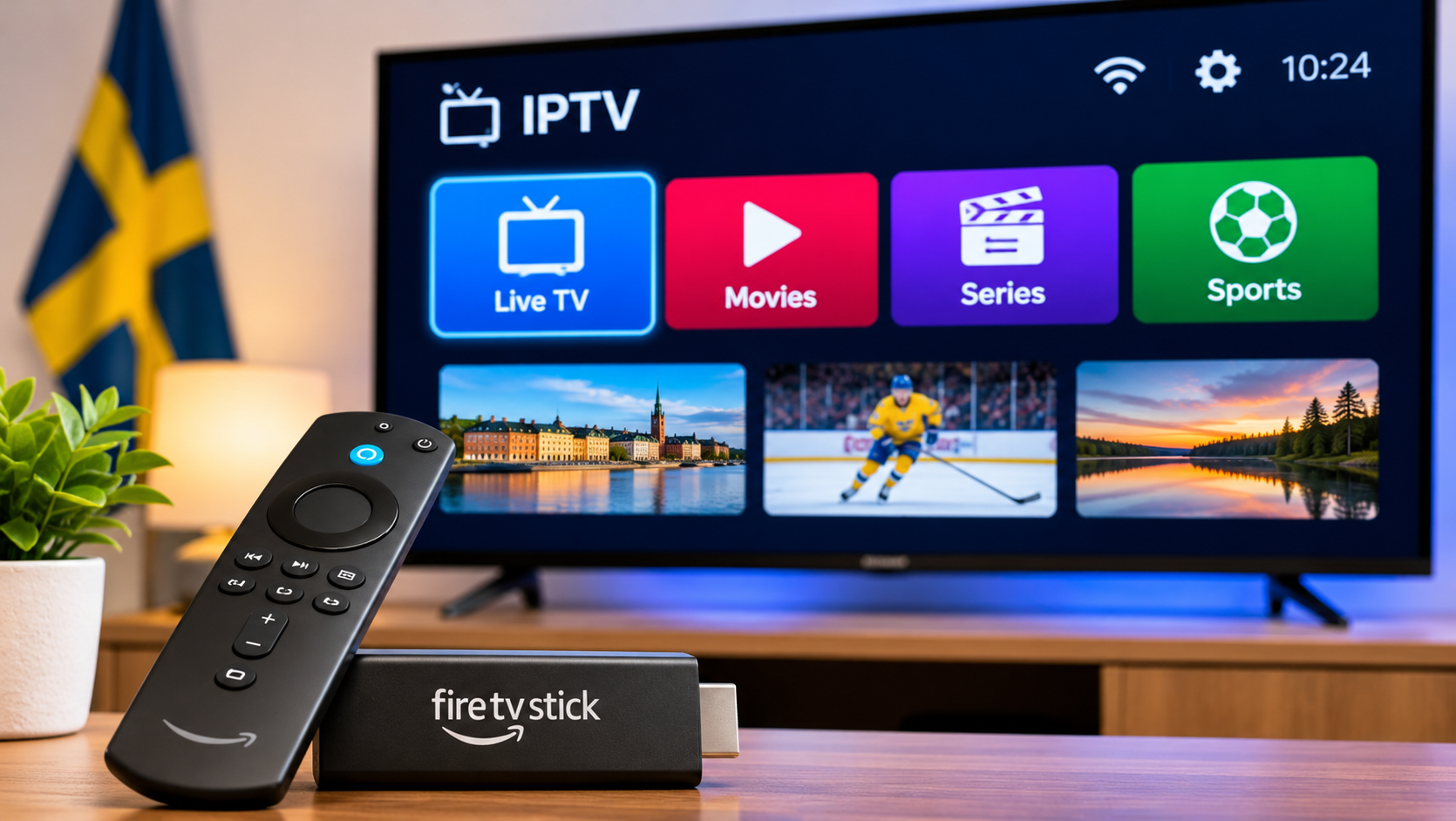
A Fire TV Stick can turn an ordinary television into a flexible streaming setup without replacing the TV itself. For IPTV users, that makes it an attractive option, especially when the television has limited app support or an older operating system.
The setup is usually straightforward, but a few details can make a noticeable difference in everyday use. App compatibility, Wi-Fi quality, storage space, and the way channels are organized all affect how smooth the experience feels.
Why Use a Fire TV Stick for IPTV?
One of the main advantages is flexibility.
Instead of depending entirely on the applications built into a Smart TV, users can install compatible streaming apps directly on the Fire TV Stick. This can be useful when a television no longer receives frequent software updates or when a preferred IPTV player is not available through the TV's own app store.
It also gives users a separate device that can be replaced later without changing the television.
Choose the IPTV Player Carefully
The player is one of the most important parts of the setup.
Different apps handle playlists, live channels, EPG information, favorites, and search in different ways. An app with dozens of advanced settings is not automatically better if everyday navigation feels awkward with the remote.
For regular television viewing, look for a player that makes it easy to:
-
Move between channel groups
-
Add favorites
-
Search for channels
-
Open the TV guide
-
Return to recently watched content
A simple interface often matters more than a long feature list.
Check the Login Format Before Installing an App
IPTV access can be supplied in several formats.
Depending on the service, users may receive an M3U playlist, Xtream-style login details, or another supported connection method.
Before choosing an IPTV player, make sure the app accepts the type of access information you have.
This small check can save a lot of troubleshooting later.
Wi-Fi Placement Makes a Difference
The Fire TV Stick is usually positioned behind the television, which is convenient but not always ideal for wireless reception.
The TV itself, nearby electronics, walls, and distance from the router can all affect the Wi-Fi signal.
If streams regularly pause or take a long time to start, do not assume the IPTV app is responsible immediately.
Try checking:
-
How far the router is from the TV
-
Whether other devices are using heavy bandwidth
-
Whether the Fire TV Stick has a strong Wi-Fi connection
-
Whether the same stream works normally on another device
These tests help narrow down the problem.
Keep Some Free Storage
Streaming devices have limited internal storage.
Over time, unused applications and cached data can leave very little free space. That can make menus slower and apps less responsive.
Removing applications that are no longer used is a simple way to keep the device cleaner.
There is rarely a good reason to install several IPTV players if only one or two are actually being used.
Make the Channel List Easier to Navigate
A large IPTV playlist can feel overwhelming on a television screen.
Instead of scrolling through every available category, spend a few minutes organizing the player when it is first set up.
Add the channels you watch most often to favorites and leave occasional content in its original categories.
For example, a household might keep Swedish news, sports, and entertainment channels in favorites while browsing movie or international groups only when needed.
People comparing subscription options and device compatibility in Sweden can also include Bästa IPTV while researching which IPTV setup fits their viewing habits.
EPG Is Worth Setting Up Properly
The Electronic Program Guide can make live television much more convenient.
Rather than opening channels one by one, the guide can show what is currently playing and what comes next.
If EPG information is available but appears at the wrong time, check the time or EPG offset settings in the IPTV player.
A small timezone mismatch can make an otherwise useful guide confusing.
Restart Before Changing Everything
When IPTV suddenly starts behaving badly, it is tempting to change multiple settings at once.
That usually makes troubleshooting harder.
Start with the basics:
-
Close the IPTV app.
-
Restart the Fire TV Stick.
-
Restart the router if necessary.
-
Open the app again.
-
Test several different channels.
If only one stream has a problem, changing the entire setup probably will not help.
Do Not Ignore the Power Supply
Fire TV Sticks need a stable power source.
Using an underpowered USB port on an older television may sometimes cause inconsistent performance. If the device behaves strangely, using the supplied power adapter or an appropriate compatible adapter can be worth testing.
This is an easy detail to overlook because the device may still turn on even when the power arrangement is not ideal.
Update the Device and Player
Both Fire TV software and IPTV applications receive updates from time to time.
Keeping them current can help with compatibility and performance.
If an IPTV player that previously worked well begins crashing after a system update, check whether a newer version of the app is available.
Fire TV Stick or Built-In Smart TV App?
There is no universal winner.
A built-in Smart TV app can be convenient because everything runs directly on the television. A Fire TV Stick can be more flexible when the TV has limited apps or slower software.
The better choice depends on the equipment already in the home.
If the Smart TV player works well, there may be no reason to add another device. If the TV feels slow or lacks a suitable app, a Fire TV Stick can be a practical alternative.
Final Thoughts
A Fire TV Stick can provide a simple way to use IPTV on televisions that need more flexible app support.
The best results usually come from keeping the setup straightforward: choose one reliable IPTV player, confirm the login method, maintain a stable Wi-Fi connection, organize favorite channels, and avoid filling the device with unnecessary apps.
With those basics in place, the Fire TV Stick can be a convenient option for watching live TV, sports, movies, and series on a regular television screen.
 Spanish
 English
 Arabic
 French
 Portuguese
 Deutsch
 Turkish
 Dutch
 Italiano
 Russian
 Romaian
 Portuguese (Brazil)
 Greek